Print Foreman

On Kickstarter Thursday, October 22

Tired of babysitting every printer on your farm?

See your whole fleet and keep your printers busy, from one screen.

Stop juggling apps to check on your printers. Print Foreman shows every printer in your fleet and its live camera on one screen in any browser. Queue a job once, and it goes to an idle printer with the right material, color and nozzle. The Bridge, a small Windows program on a PC at your farm, talks to your printers over your own network. Printing through an internet outage is in development; we're testing it on our farm now.

Built on our working print farm in Cumberland, Wisconsin.

See it running

Real Print Foreman screens, shown with sample data.

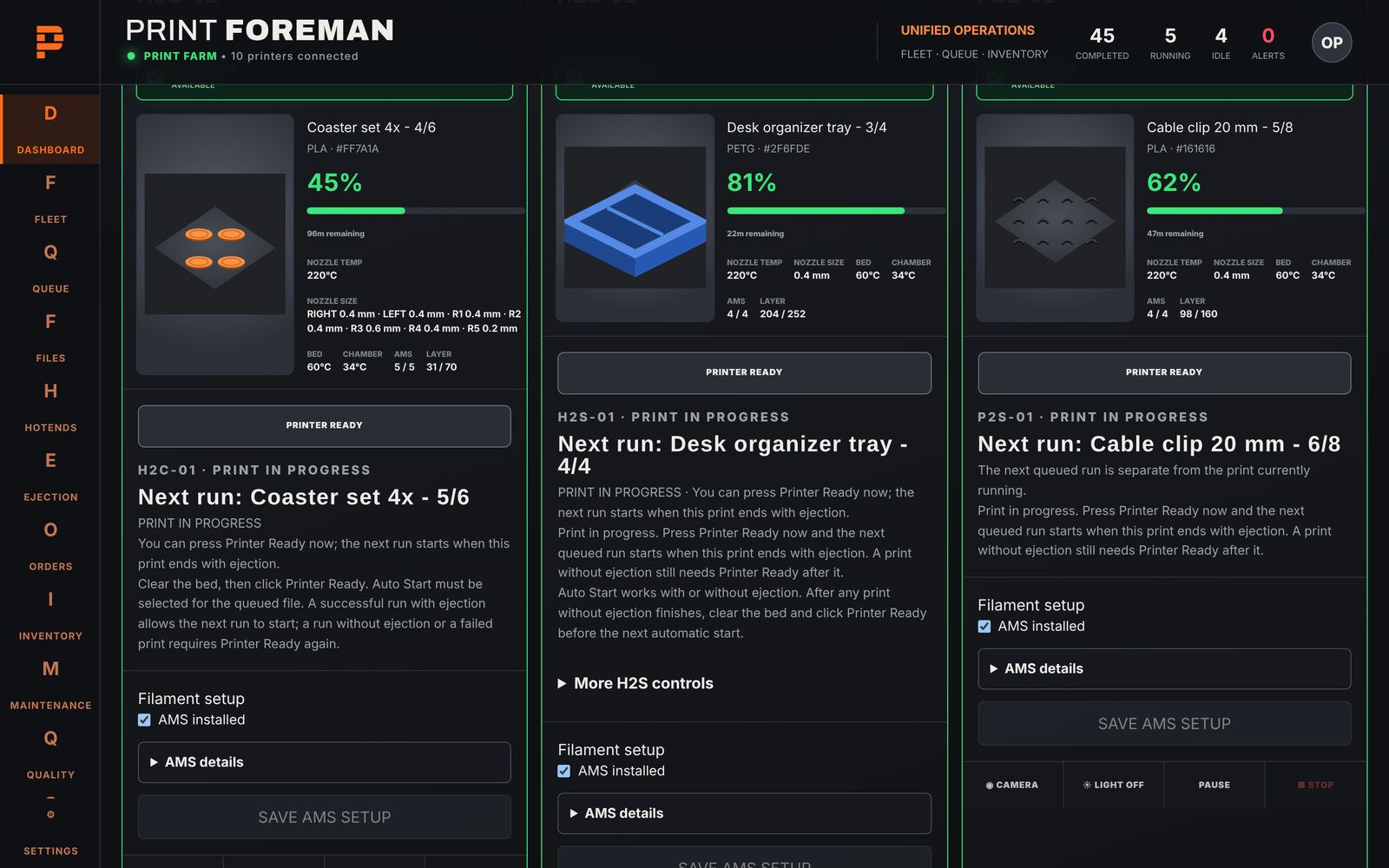
The Print Foreman dashboard: fleet status, running jobs and three printers printing with progress
Dashboard and fleet Every printer and live camera on one screen.
Printer Ready panels showing the next queued run for each printer
Printer Ready Mark each printer ready for its next job.
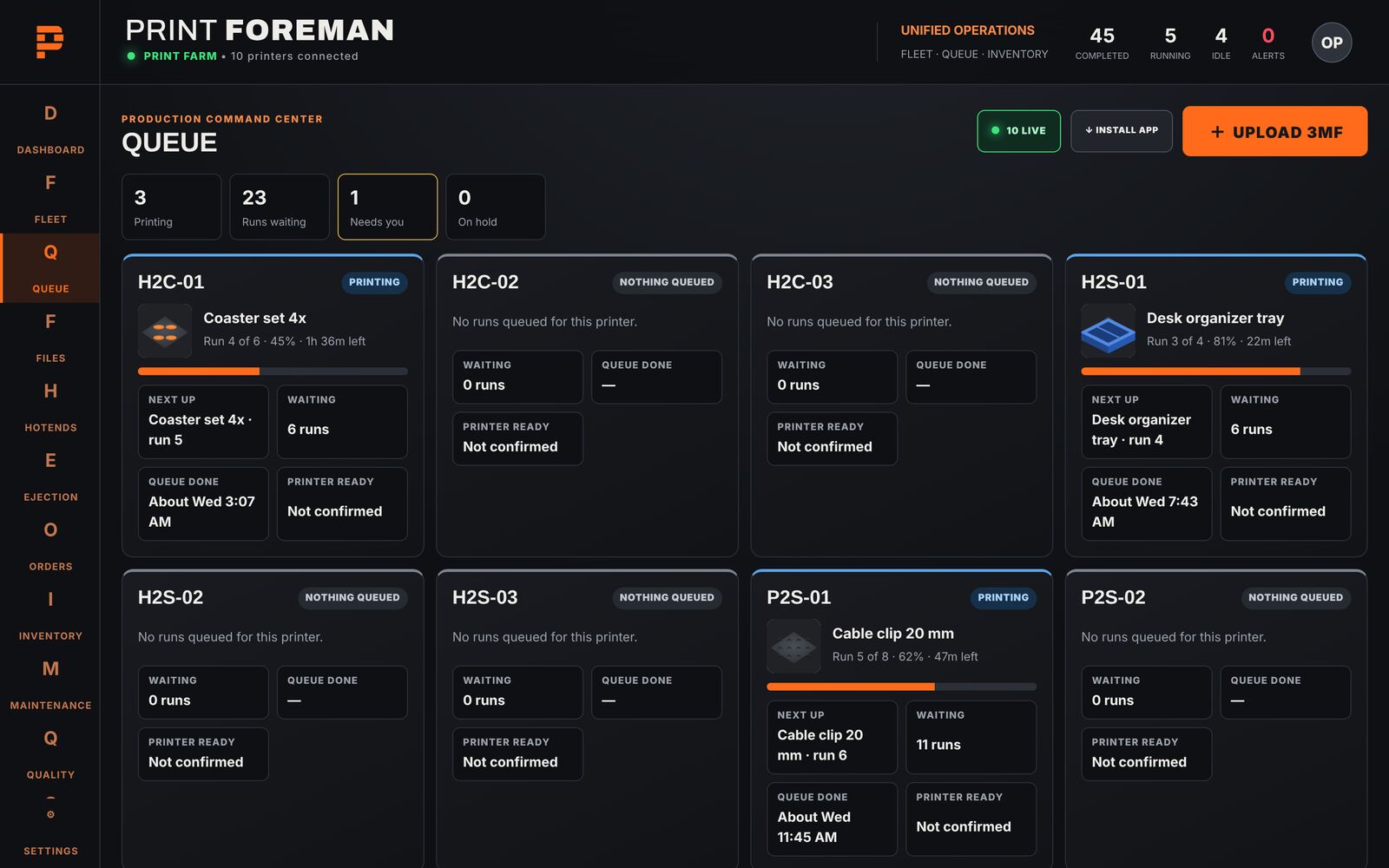
Job queue with per-printer queues and waiting jobs
Job queue Queue once; idle printers get the right job.
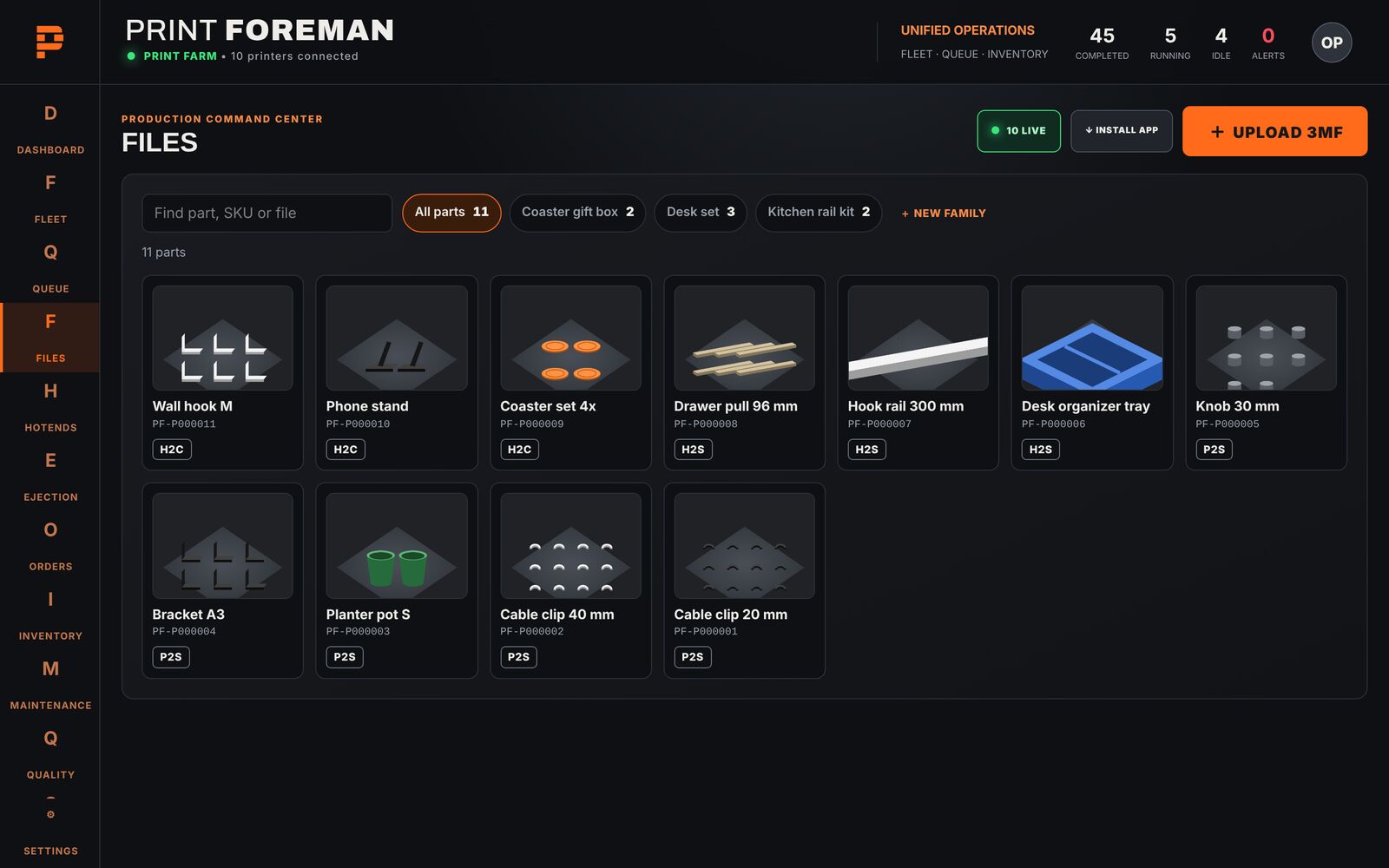
Files grid grouped into part families
Files and part families Keep every file organized by part family.
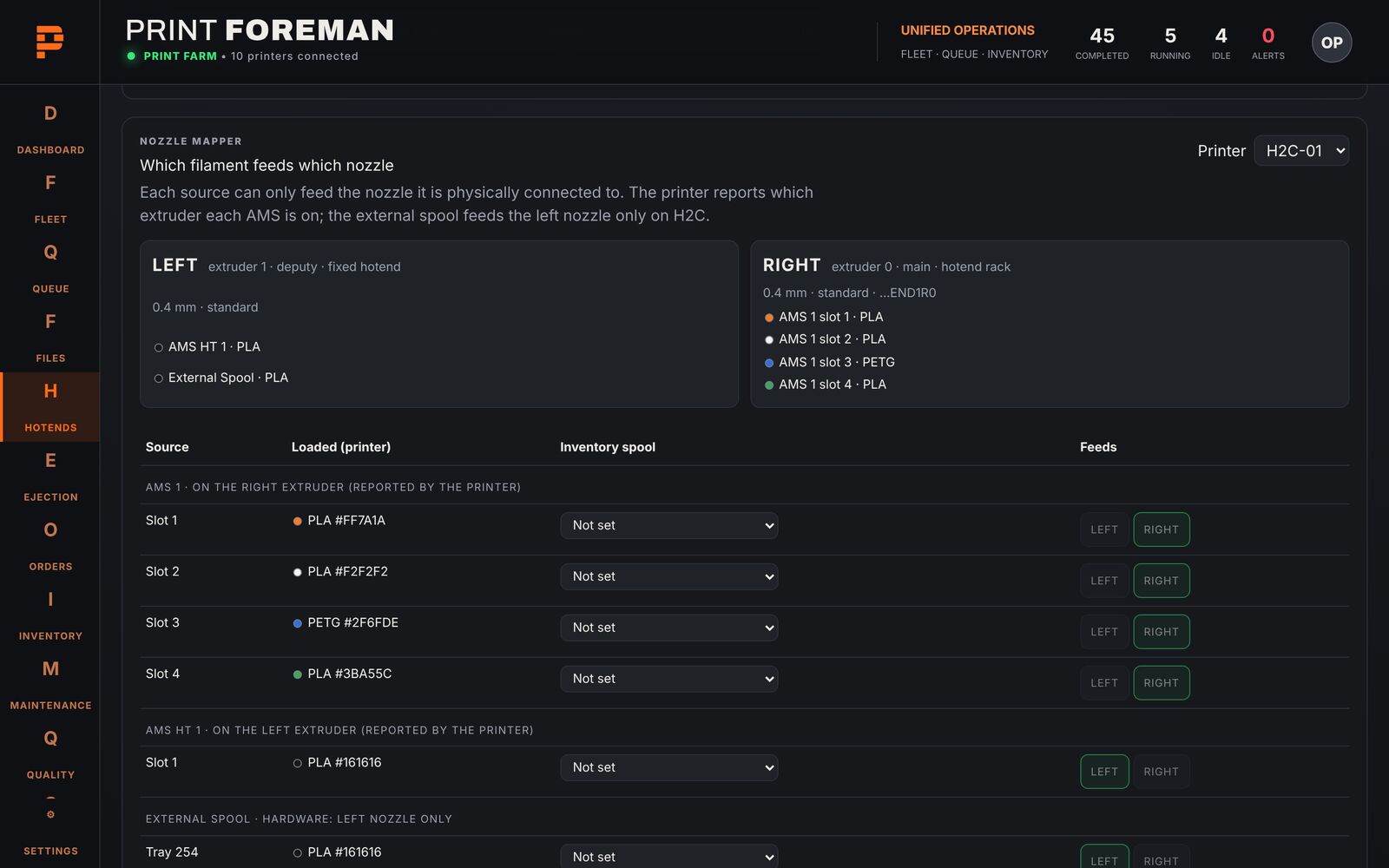
Nozzle mapper showing which material slot feeds which nozzle
Nozzle mapping Map every nozzle to the right material.
Ejection Set how finished parts come off the plate.
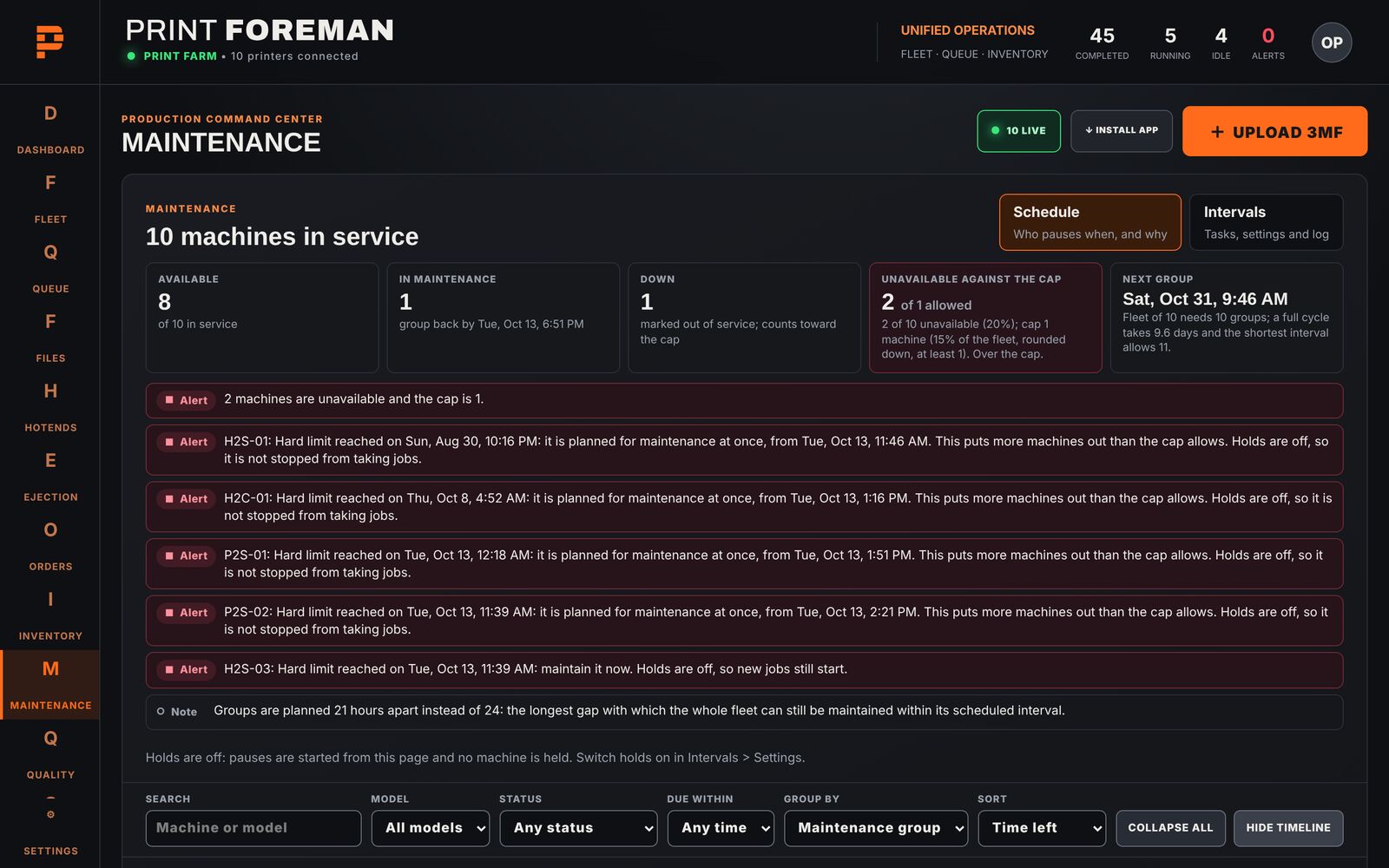
Maintenance schedule with alerts and a machine timeline
Maintenance Track maintenance before a printer goes down.
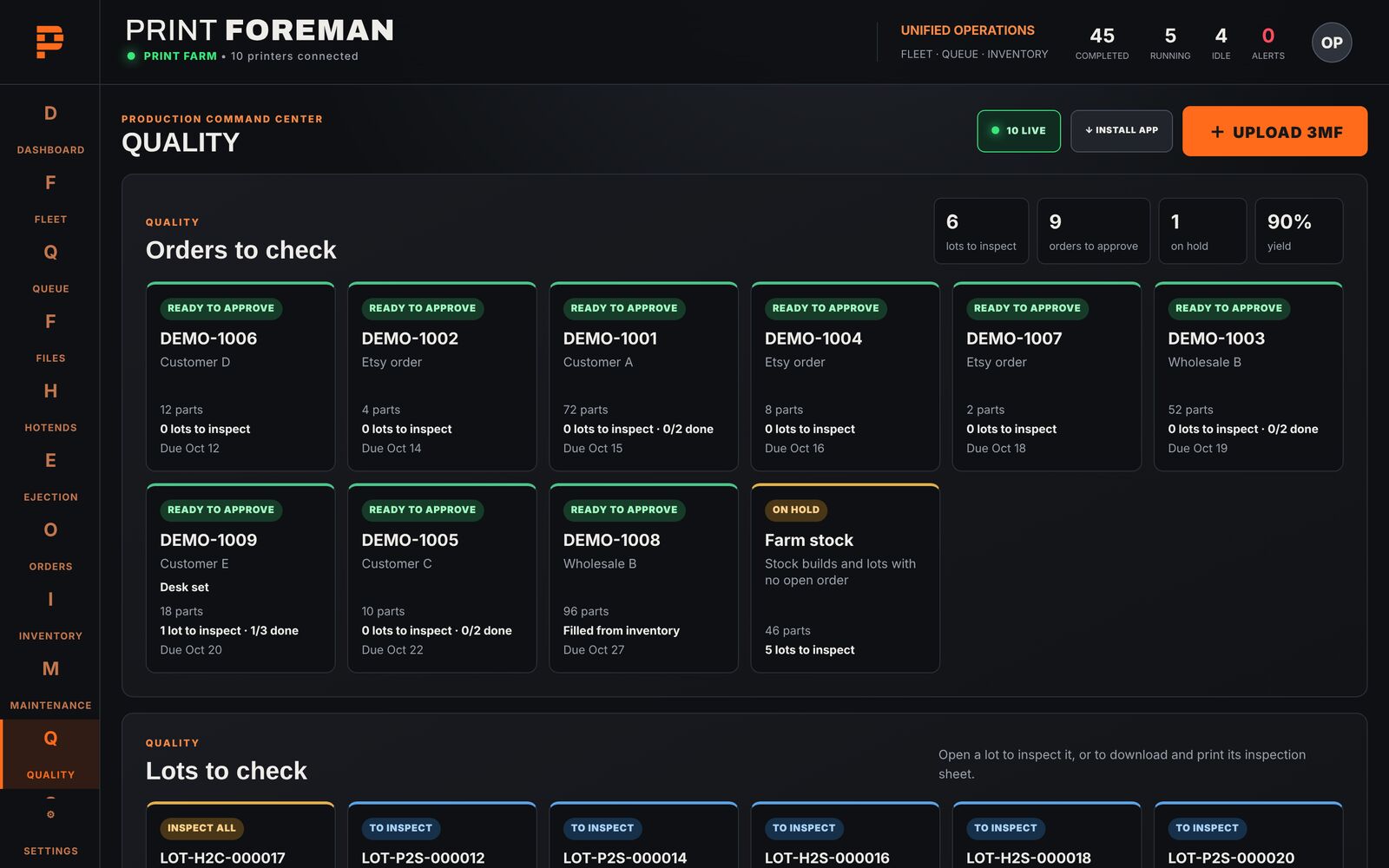
Quality board with orders and lots waiting for inspection
Quality control Record quality checks on your parts.
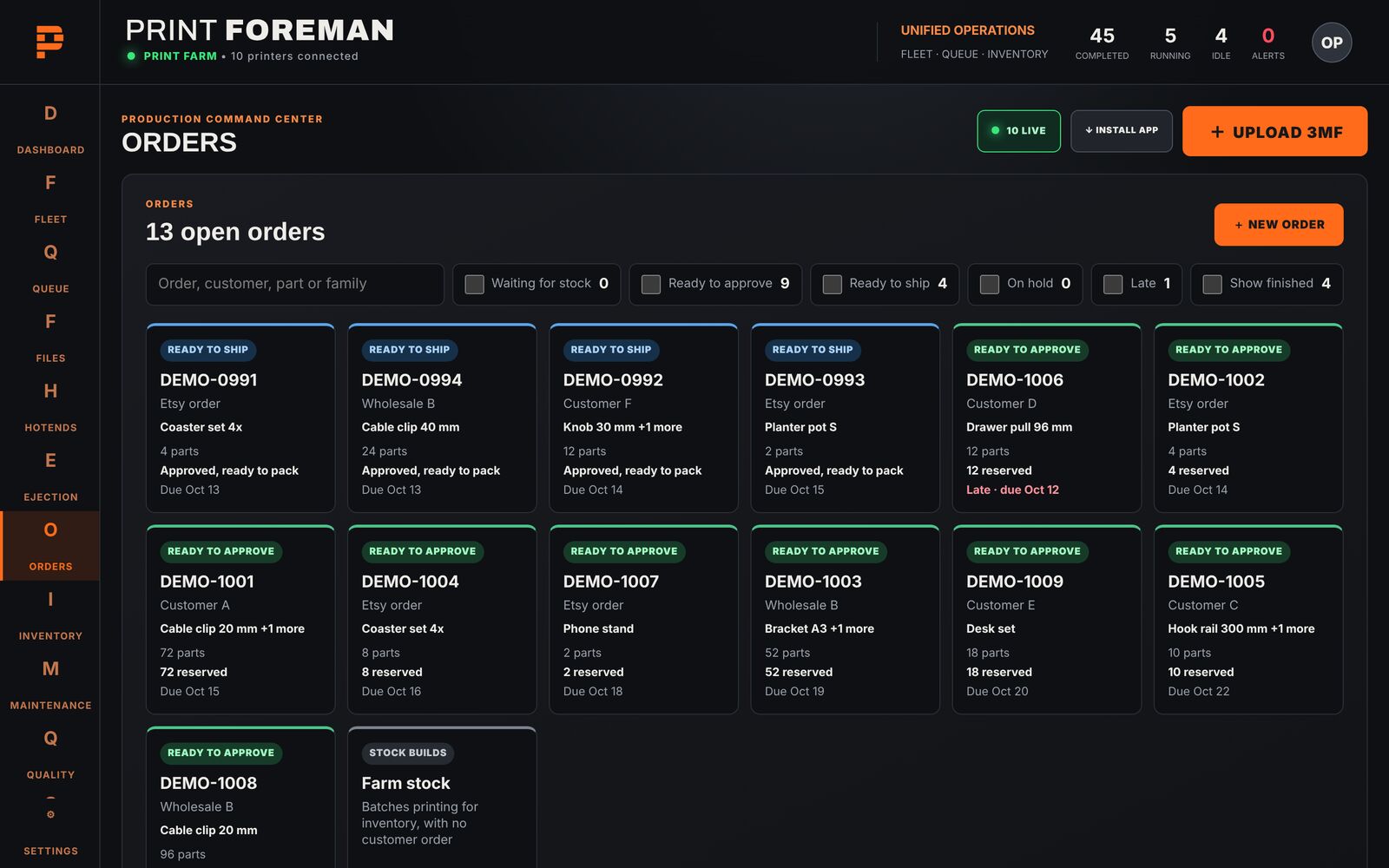
Orders board with sample orders by status
Orders See every order and where it stands.
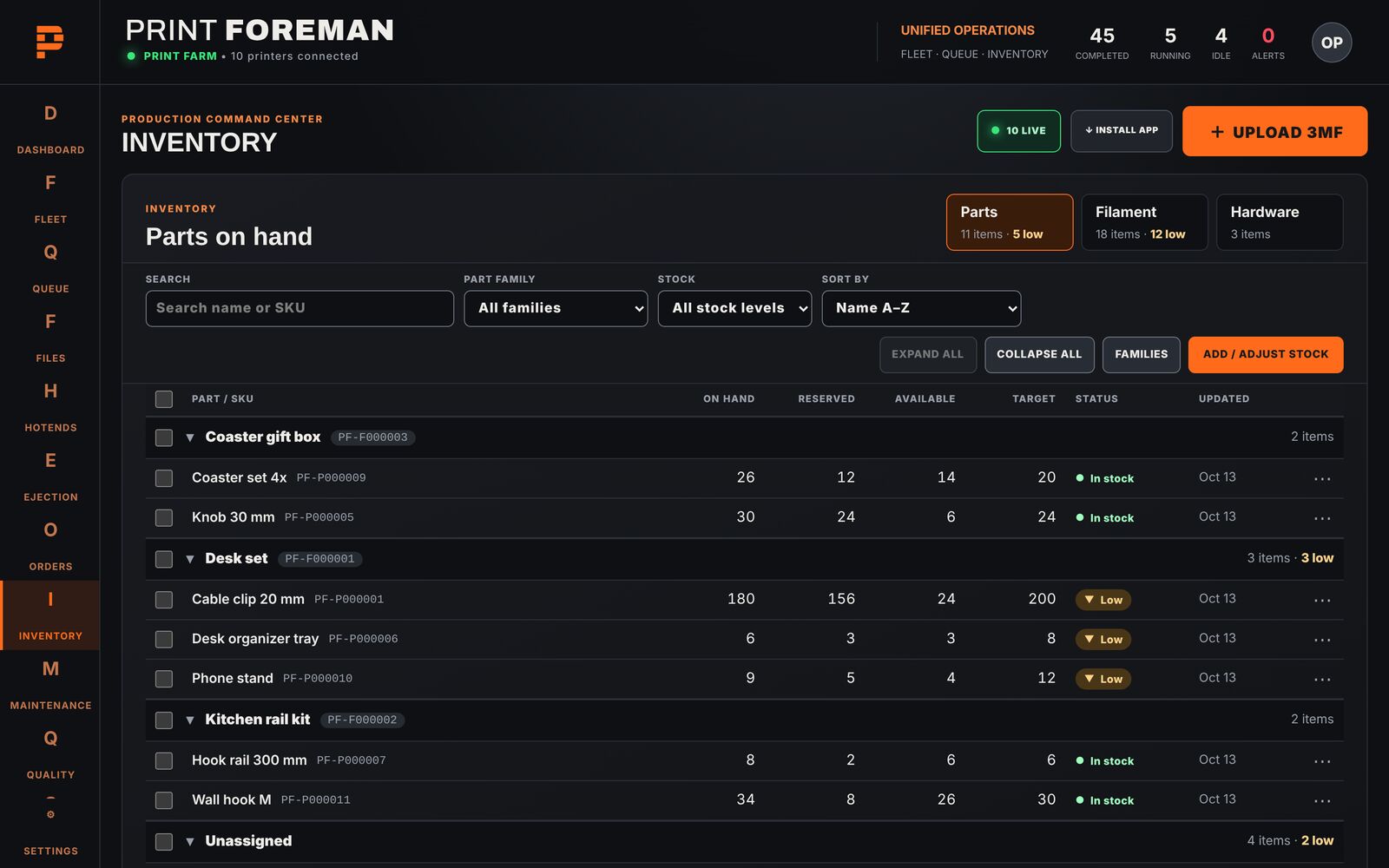
Inventory of parts grouped by family
Inventory Know the stock you have on hand.
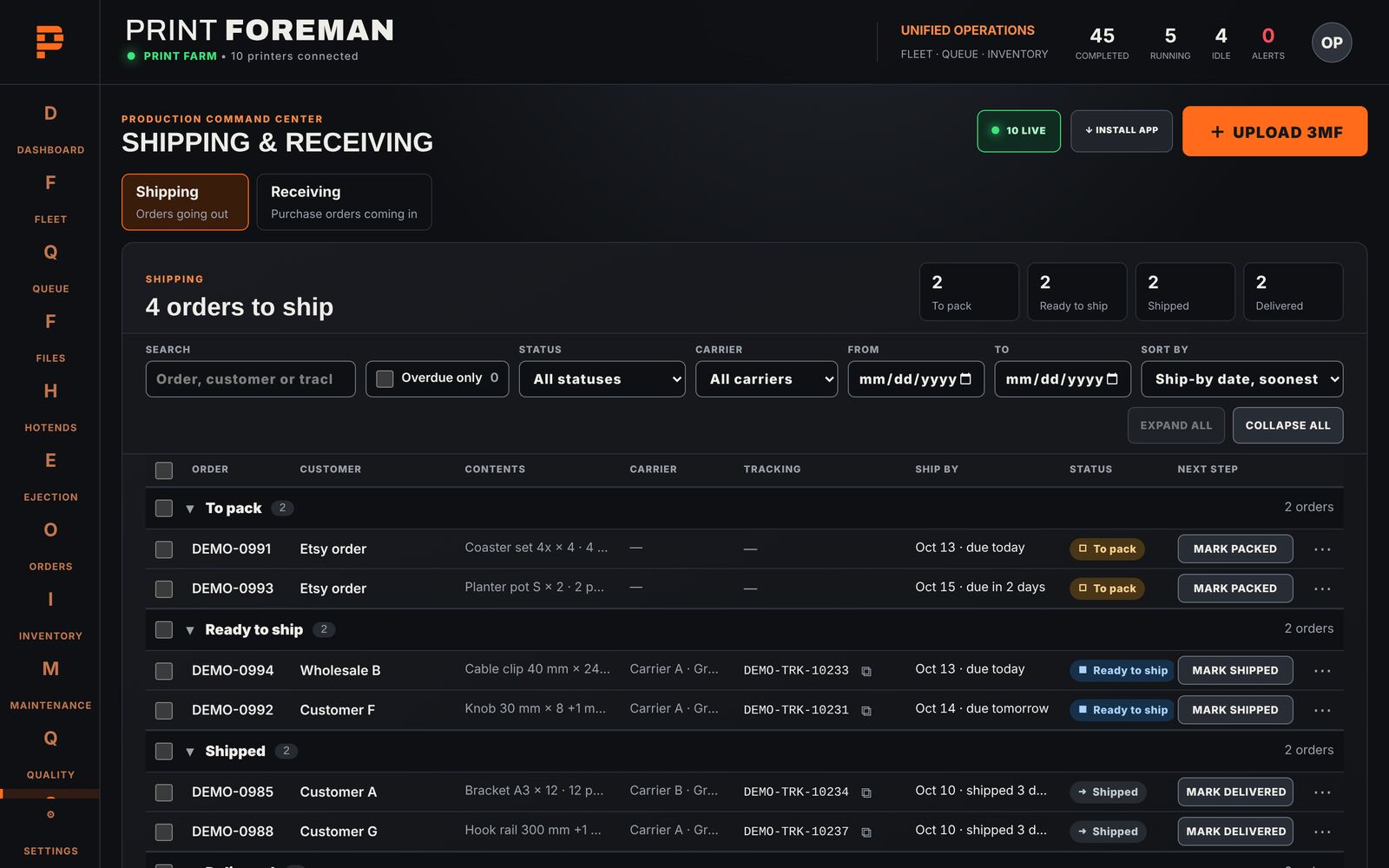
Shipping board: to pack, ready to ship, shipped
Shipping and receiving Track orders from packed to shipped.
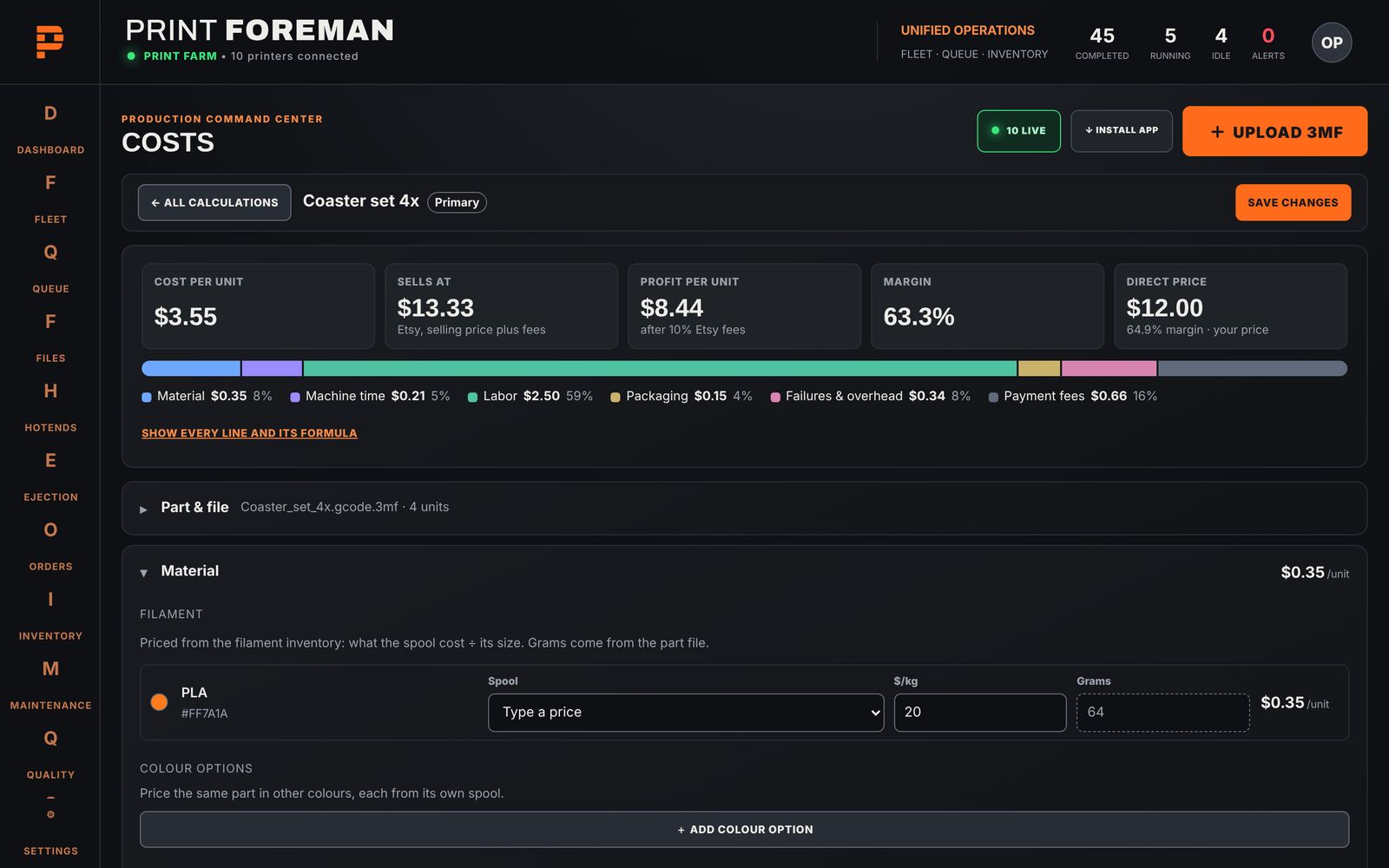
Cost calculation for a part: material, machine time, labor, packaging and fees
Cost See what each part really costs you.

Get launch-day pricing