Supporter
Our thanks, your name in the credits, and access to the backer beta forum.
- Kickstarter price
- $25

On Kickstarter Thursday, October 22
Goes live in
See your whole fleet and keep your printers busy, from one screen.
Stop juggling apps to check on your printers. Print Foreman shows every printer in your fleet and its live camera on one screen in any browser. Queue a job once, and it goes to an idle printer with the right material, color and nozzle. The Bridge, a small Windows program on a PC at your farm, talks to your printers over your own network. Printing through an internet outage is in development; we're testing it on our farm now.
Built on our working print farm in Cumberland, Wisconsin.
You're on the list · Kickstarter opens Thursday, October 22, 4 PM Eastern
The lowest prices go first. "First 48 hours" rewards end 48 hours after launch (Saturday, October 24, 4 PM Eastern) or when they sell out. We'll email you the moment the campaign is live.
Our thanks, your name in the credits, and access to the backer beta forum.
Print Foreman licence for up to 4 printers.
Licence for up to 12 printers.
Licence for up to 30 printers.
Licence for up to 100 printers, 3 years of updates, and Founder credit.
I'm Drew. I run a print farm at Stuntz Manufacturing in Cumberland, Wisconsin. The farm software I tried didn't do what I needed. I wanted one place that handled everything, from inventory to shipping to printer controls, so the only time I'd leave the dashboard was to slice a file.
So I built Print Foreman, and I've been running my own farm on it every day since.
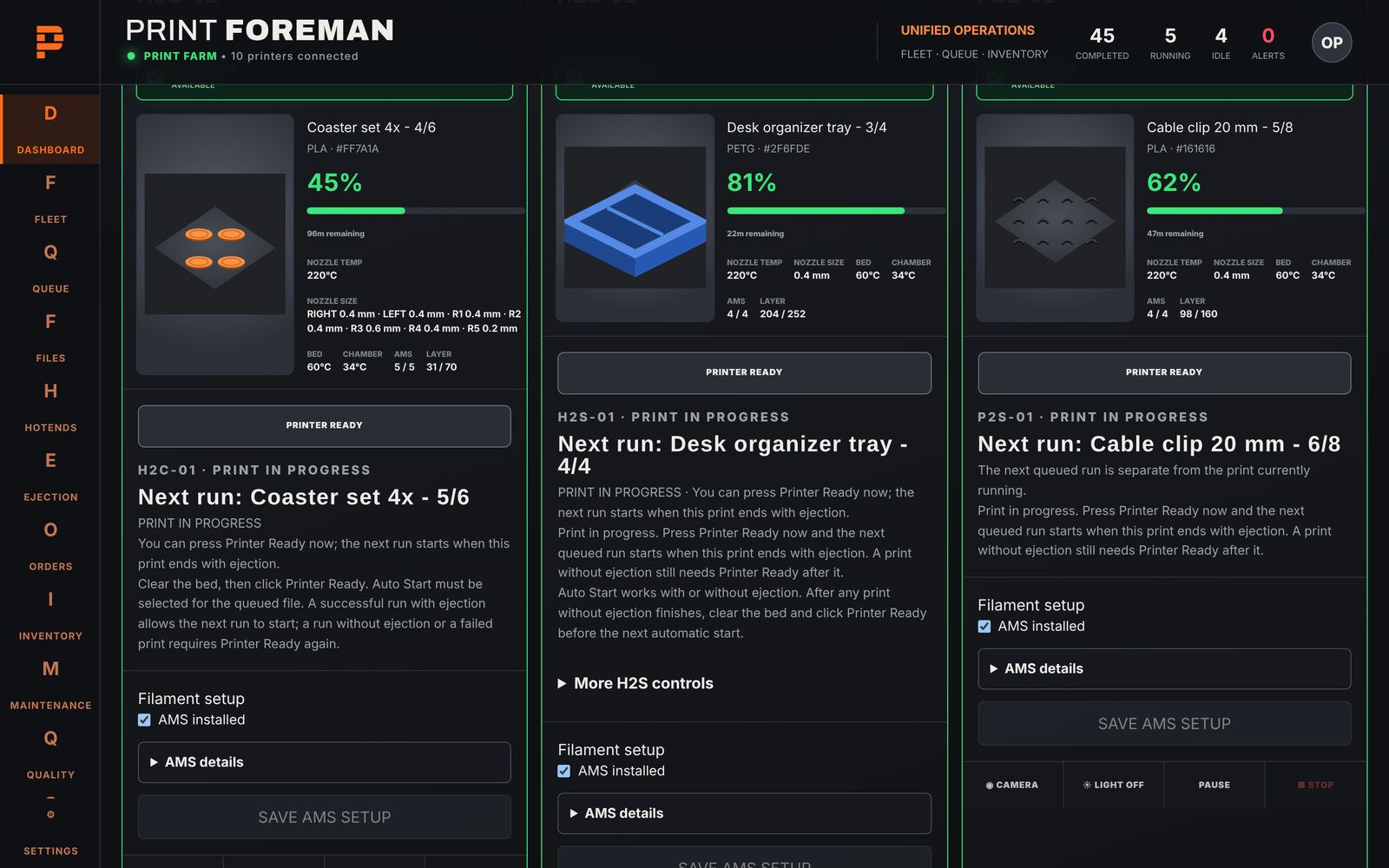
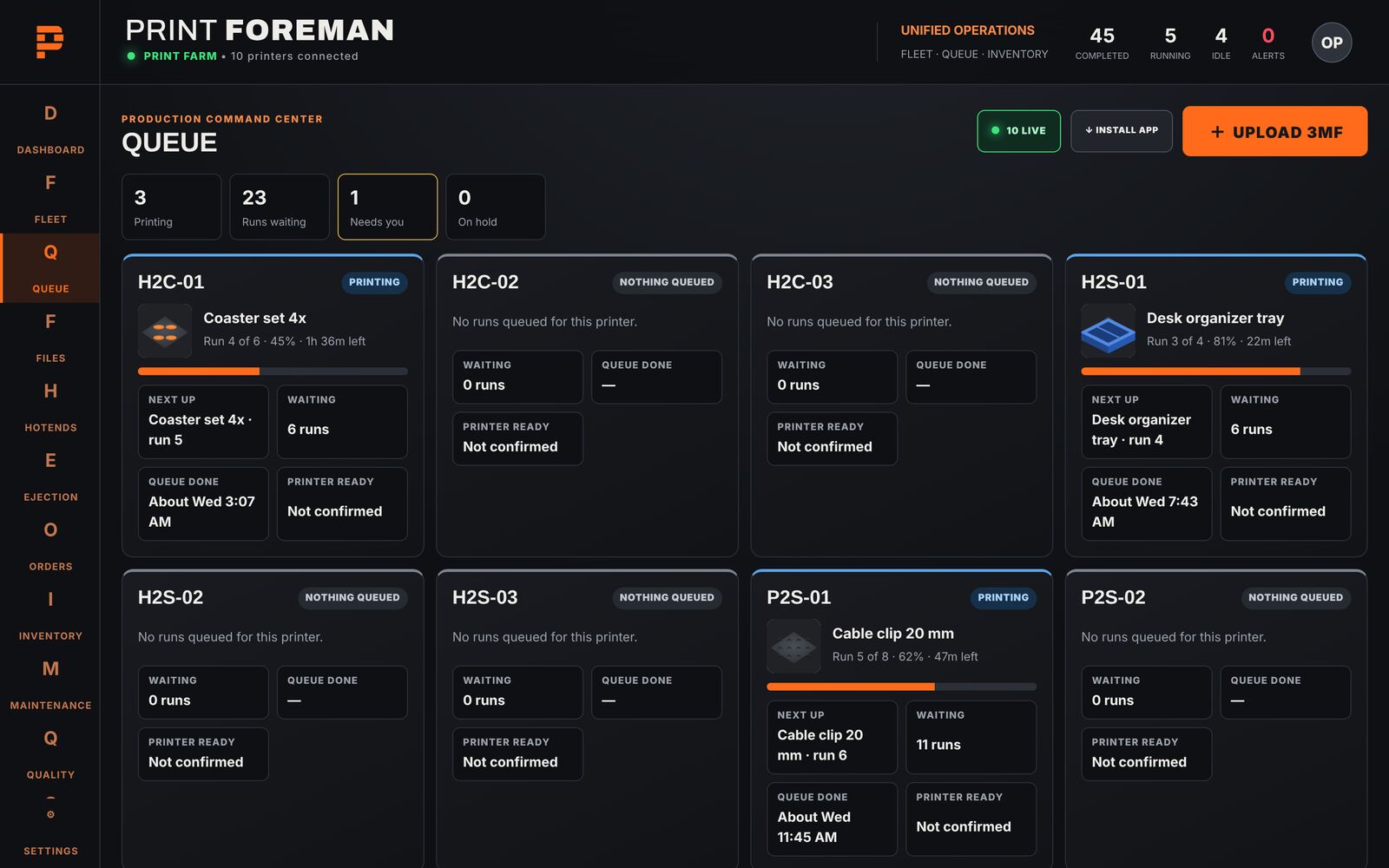
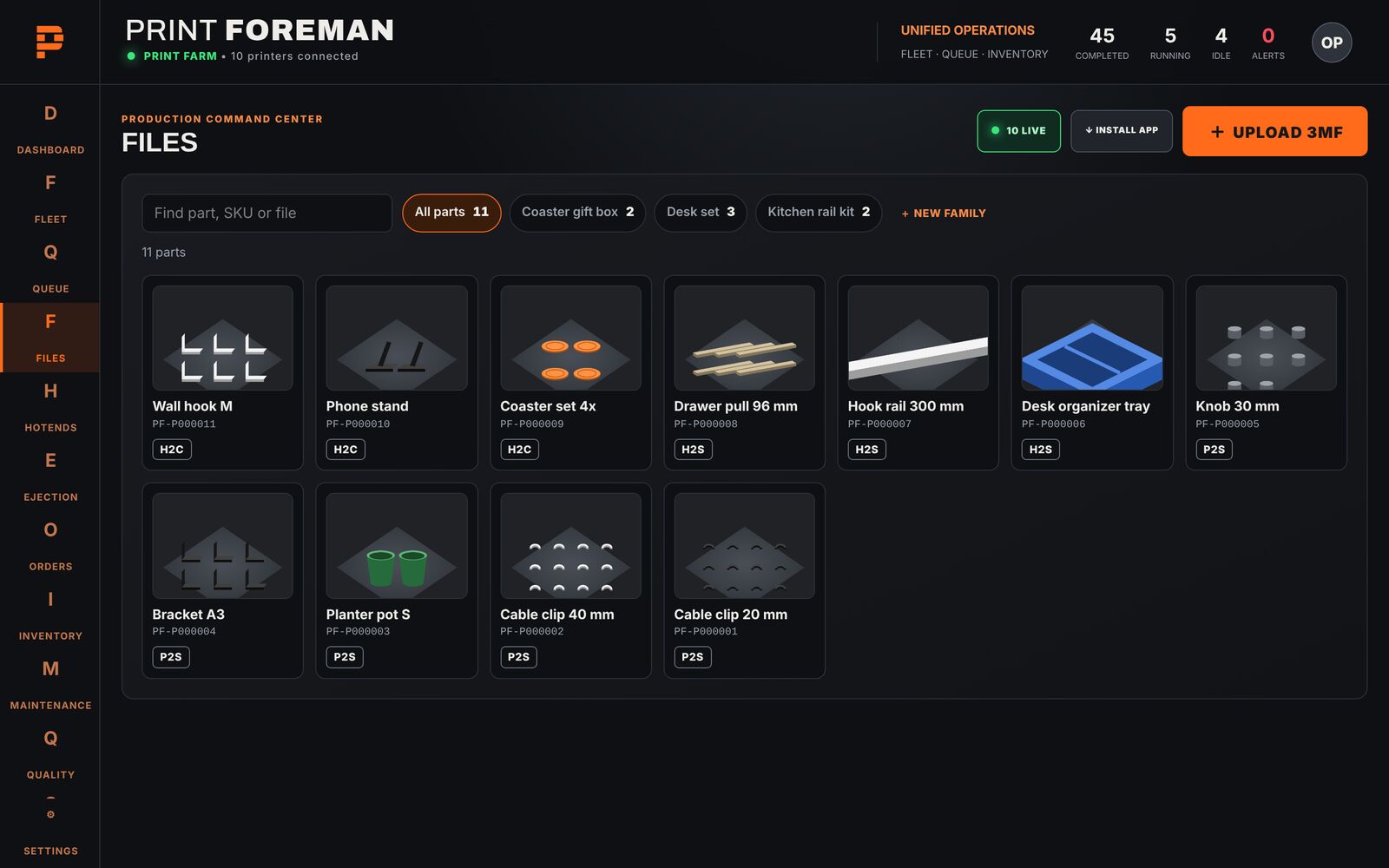
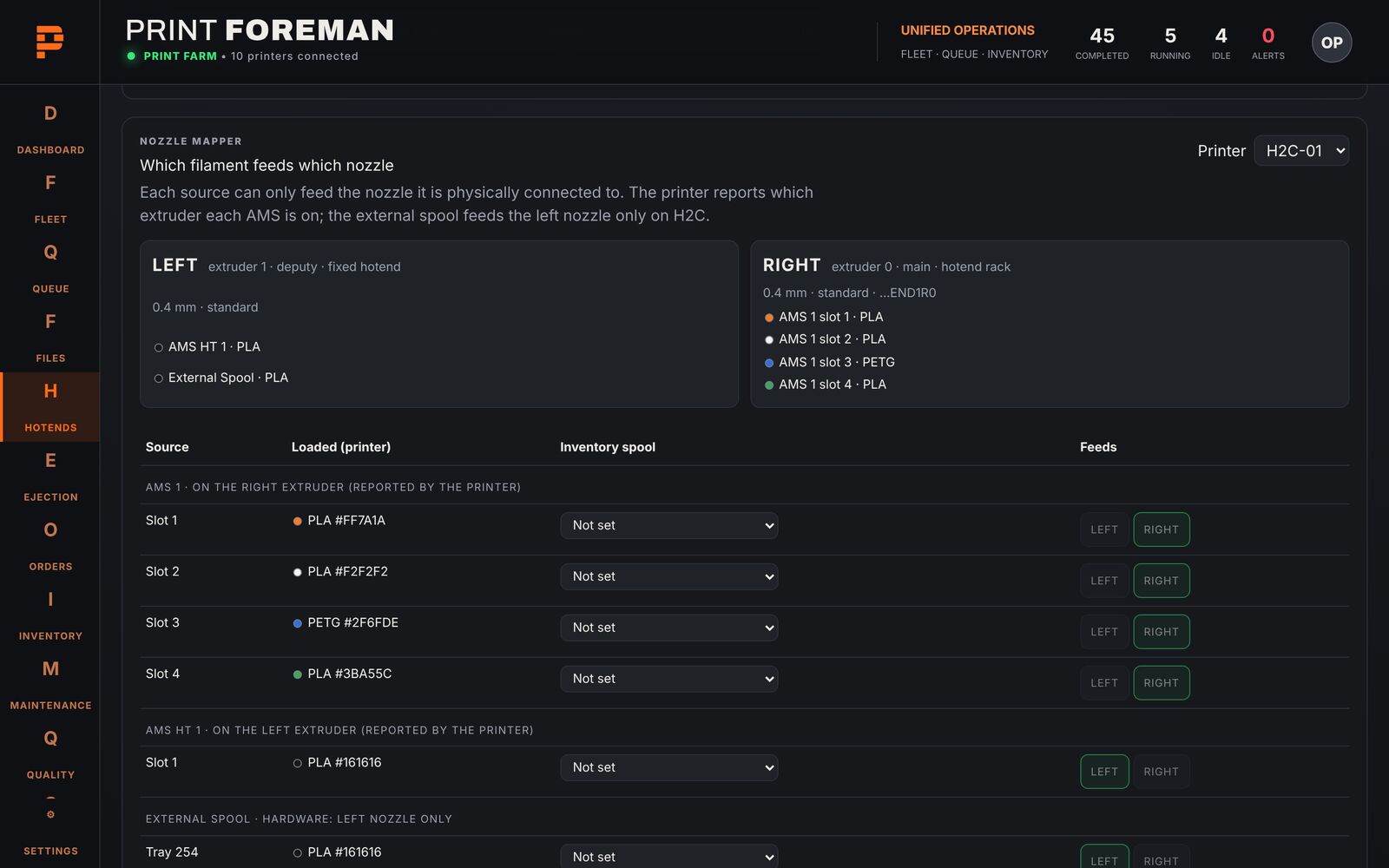
Running on our own farm now. Real screens, shown with sample data.

Every printer in your fleet and its live camera, on one screen.

Queue a job once. It goes to an idle printer with the right material, color and nozzle.
After a crash or a power cut, the Bridge restarts by itself and starts before anyone logs in to the PC.
Real Print Foreman screens, shown with sample data.
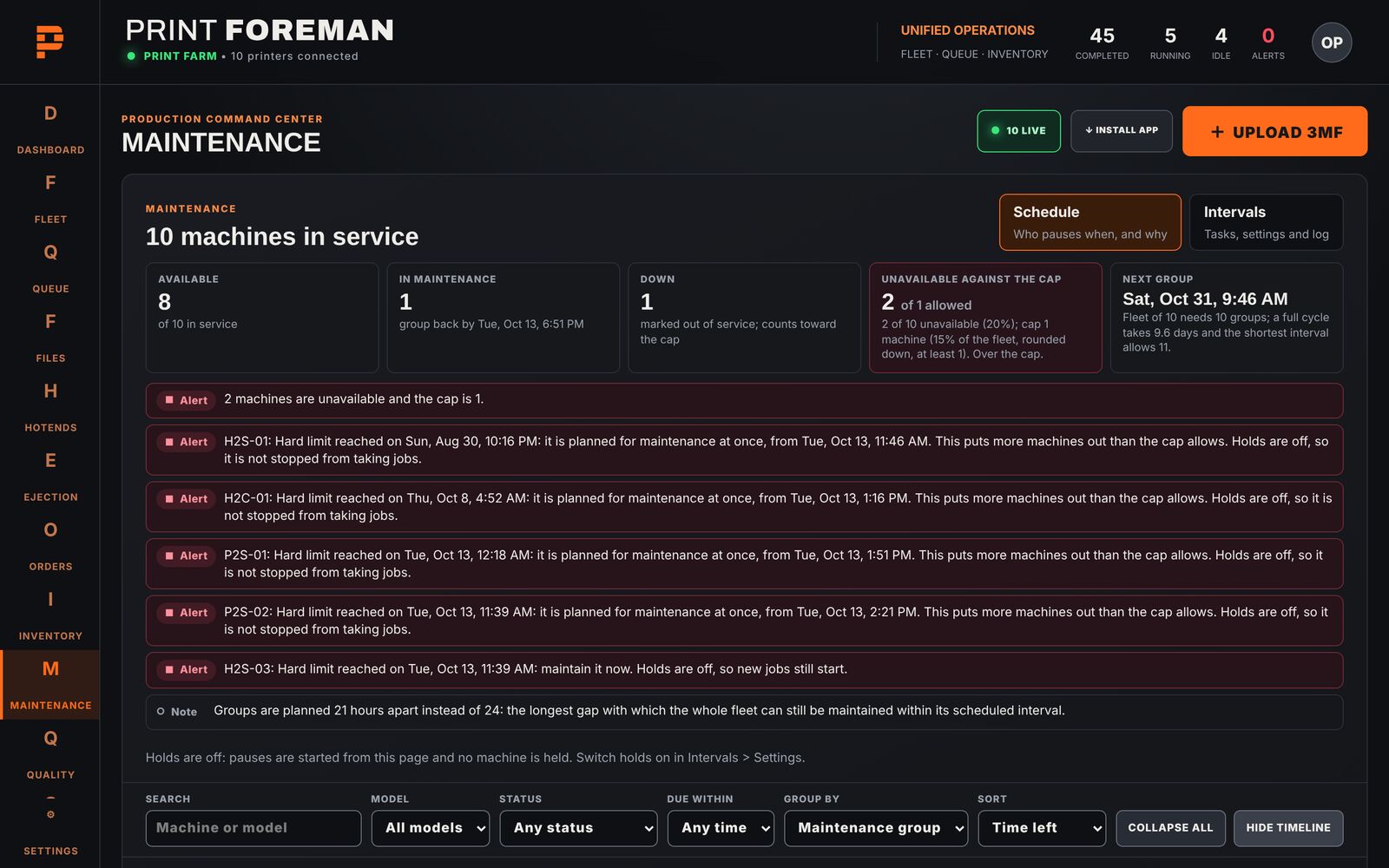
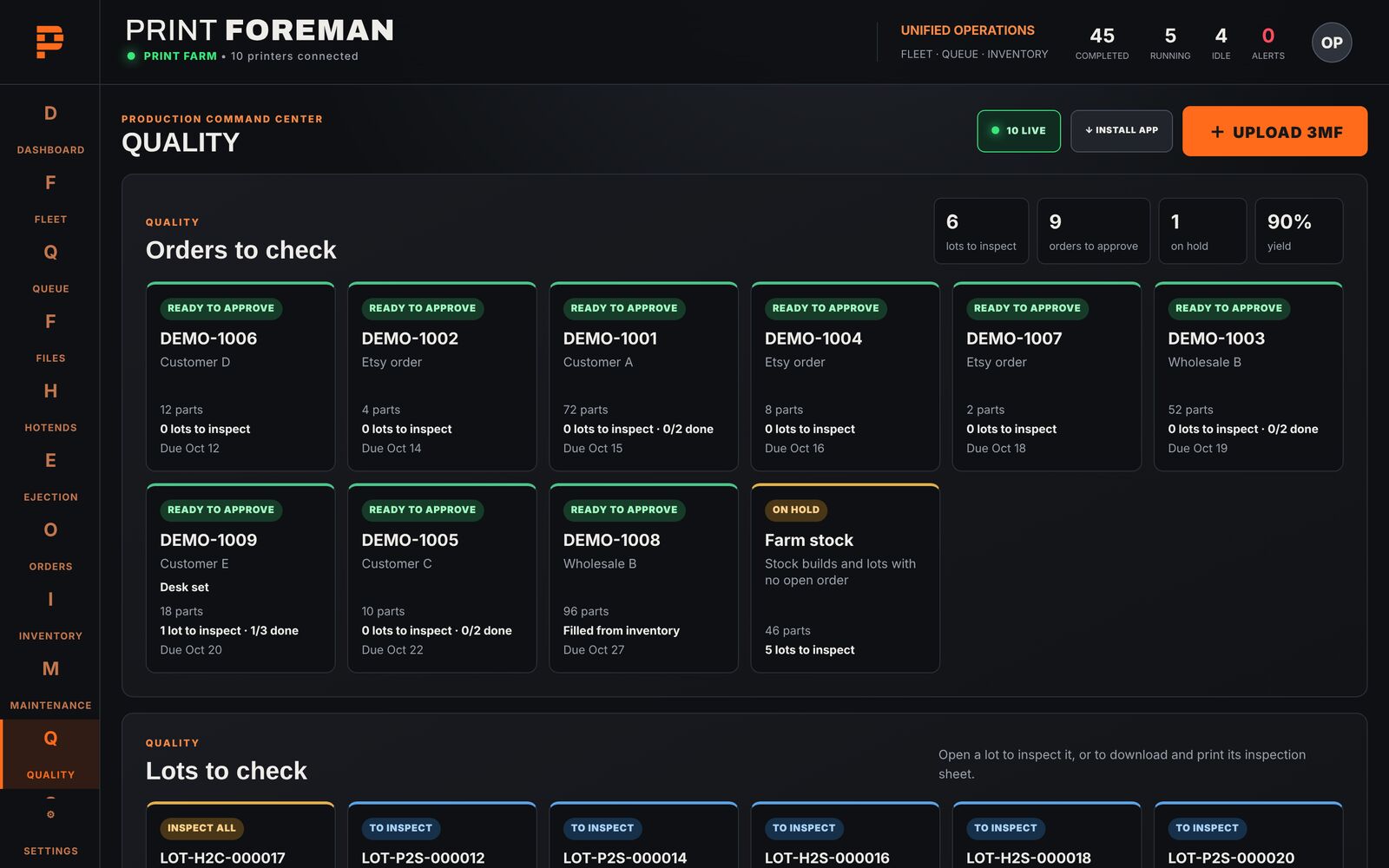
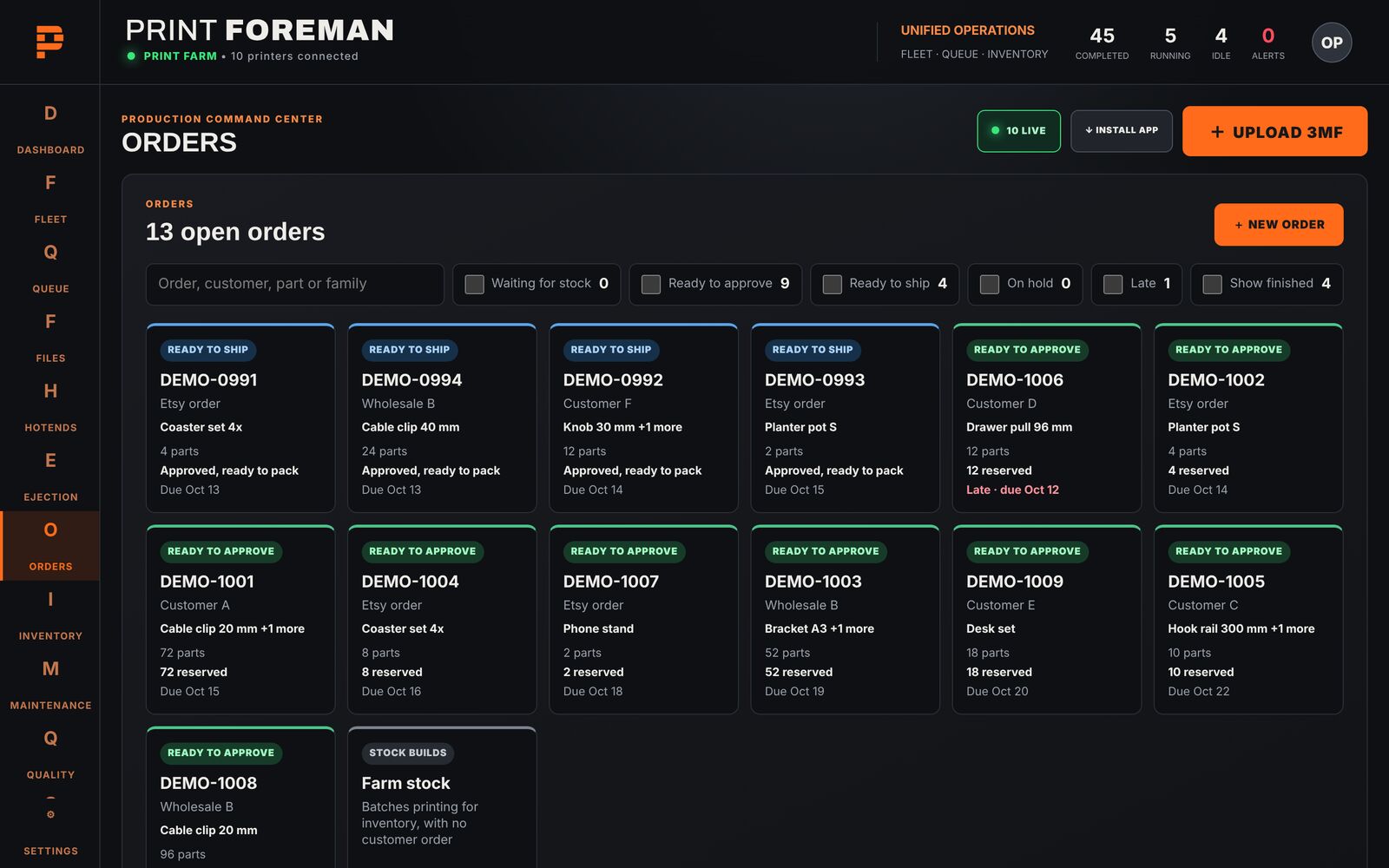
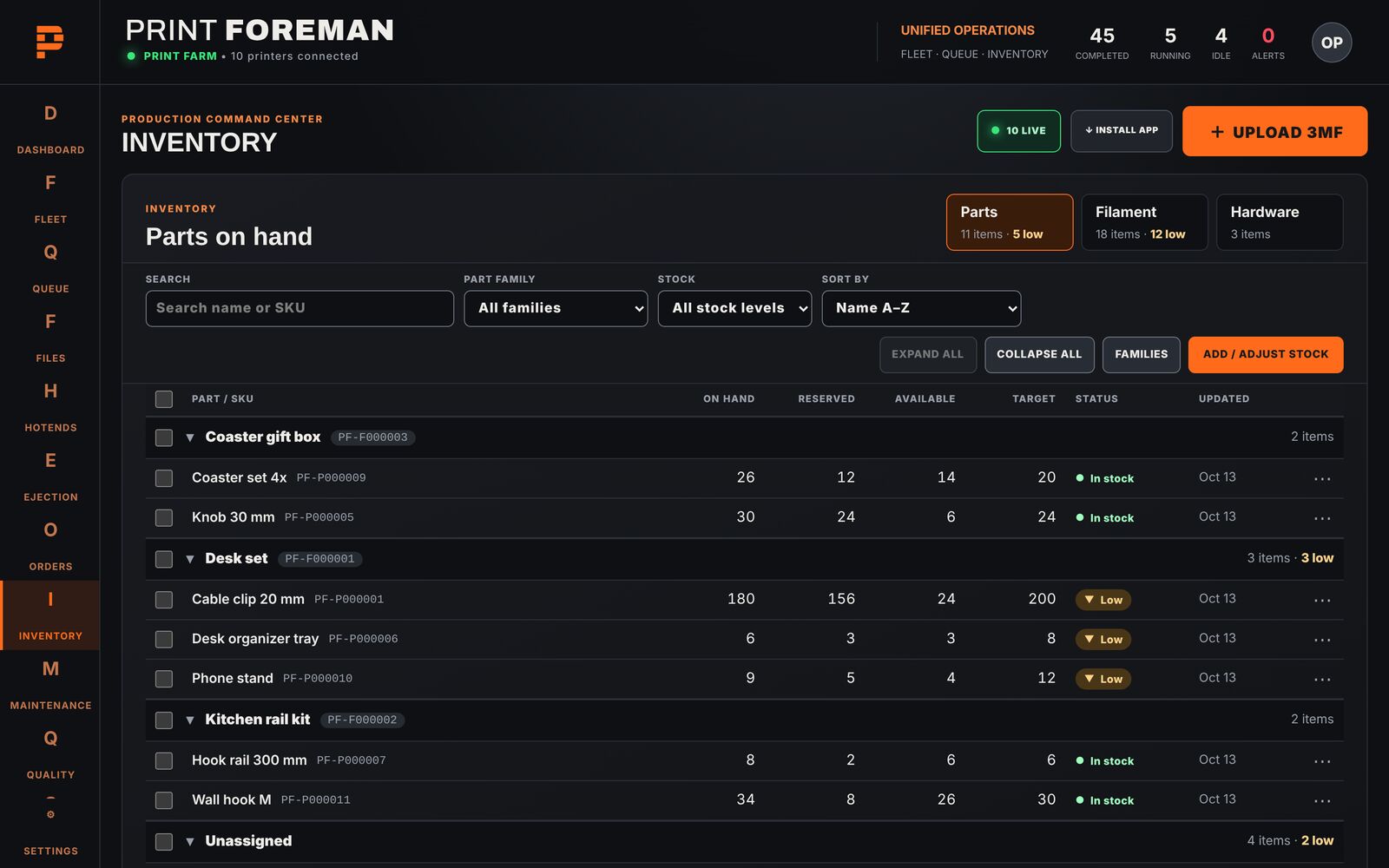
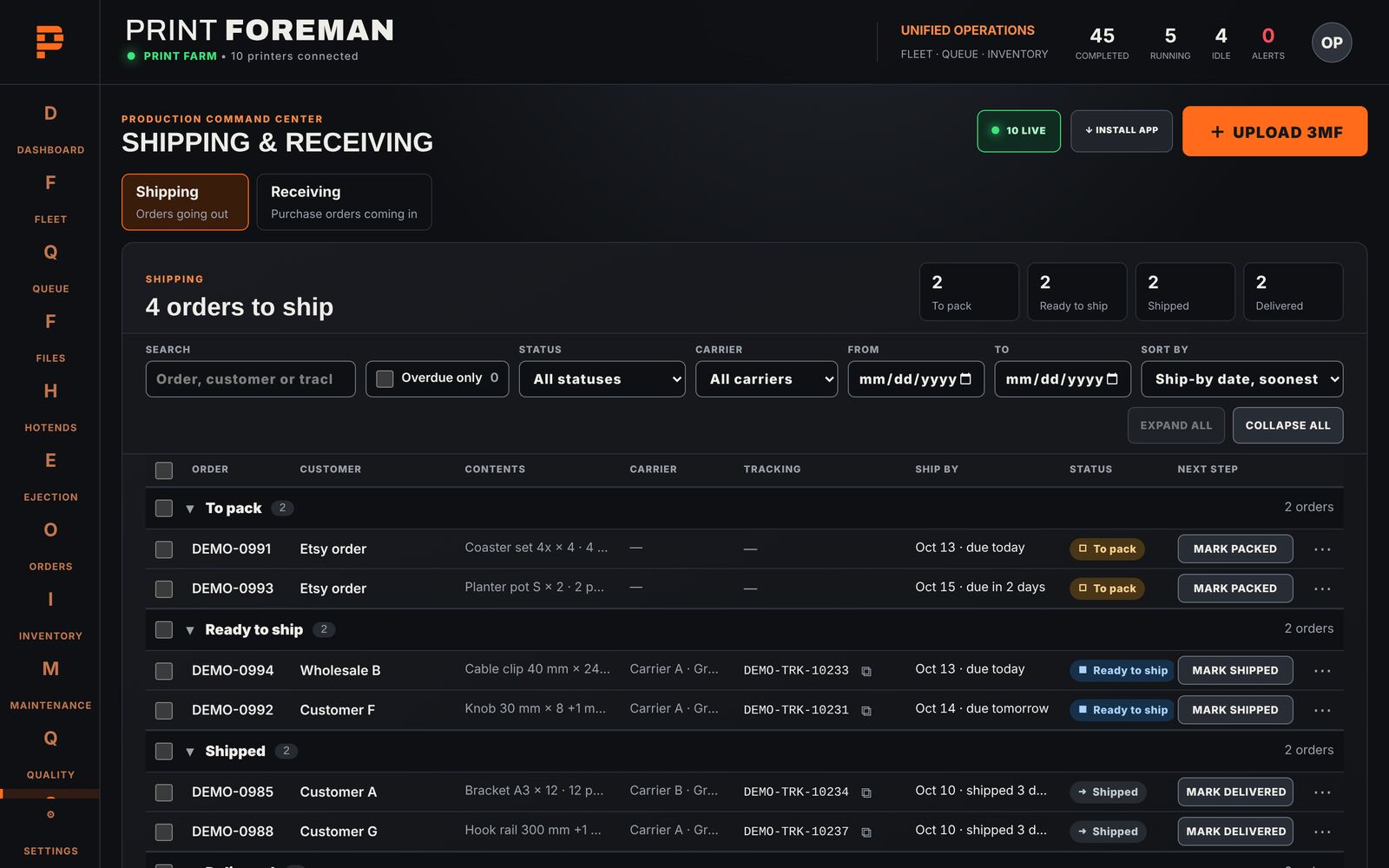
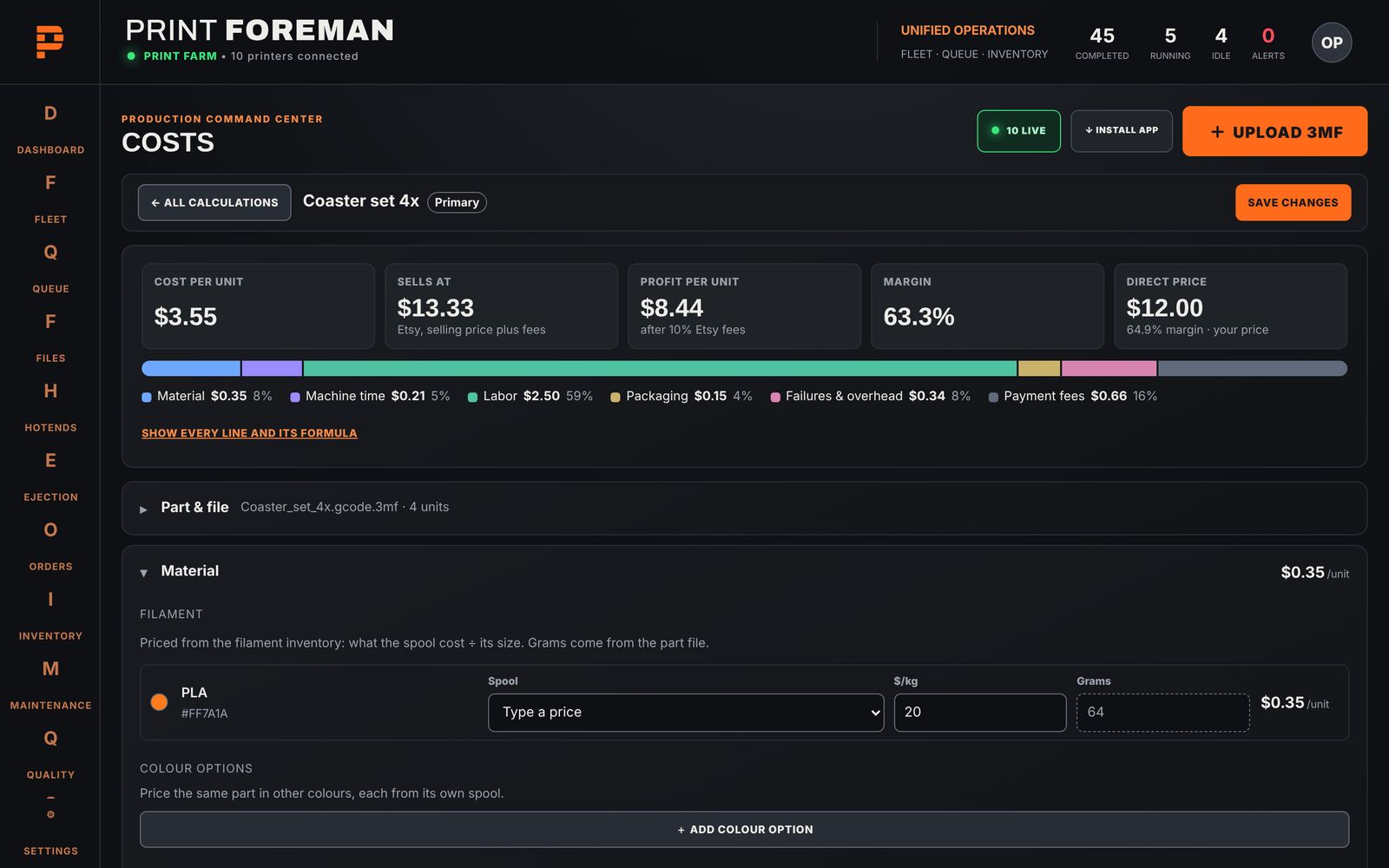
Not shown working yet, so you'll only read about these here.
Other brands, Klipper and OctoPrint aren't supported yet. More brands are the goal after release, but they aren't part of any reward. The Bridge doesn't run on Mac or Linux.
Free maker tools run on one local PC. Print Foreman adds a production queue that matches each job to the right printer, and a dashboard you can reach from anywhere. The good-parts loop is in development.
Most farm tools run their queue in the cloud, or only on a local PC. Print Foreman's Bridge runs at your farm and you manage it from anywhere. Keeping prints running through an internet outage is in development, and we're testing it on our farm now.
Yes, for Bambu Lab printers. Their current firmware requires LAN mode and Developer Mode for any third-party software to control a printer. It turns off Bambu Handy and Bambu cloud printing for that printer.
P2S, H2S and H2C are fully automated today. P1S, X1C, A1 and H2D get full support for backers; the A1 doesn't support automatic part removal. Other Bambu Lab models get live monitoring. Other brands aren't supported yet.
Only to reach the dashboard from outside your shop. The Bridge talks to your printers over your own network. Keeping prints running through an outage is in development.
Yes, with the backer release. It runs on our own shop today: paid Etsy orders become print jobs, matched to your parts by SKU. Connecting takes one sign-in to Etsy, and you can disconnect any time.
Yes. Once Print Foreman is released, any farm can run it free for 14 days without a licence key.
Not at launch. The Bridge needs Windows 10 or 11.
No. It's an independent product and isn't affiliated with or endorsed by Bambu Lab.